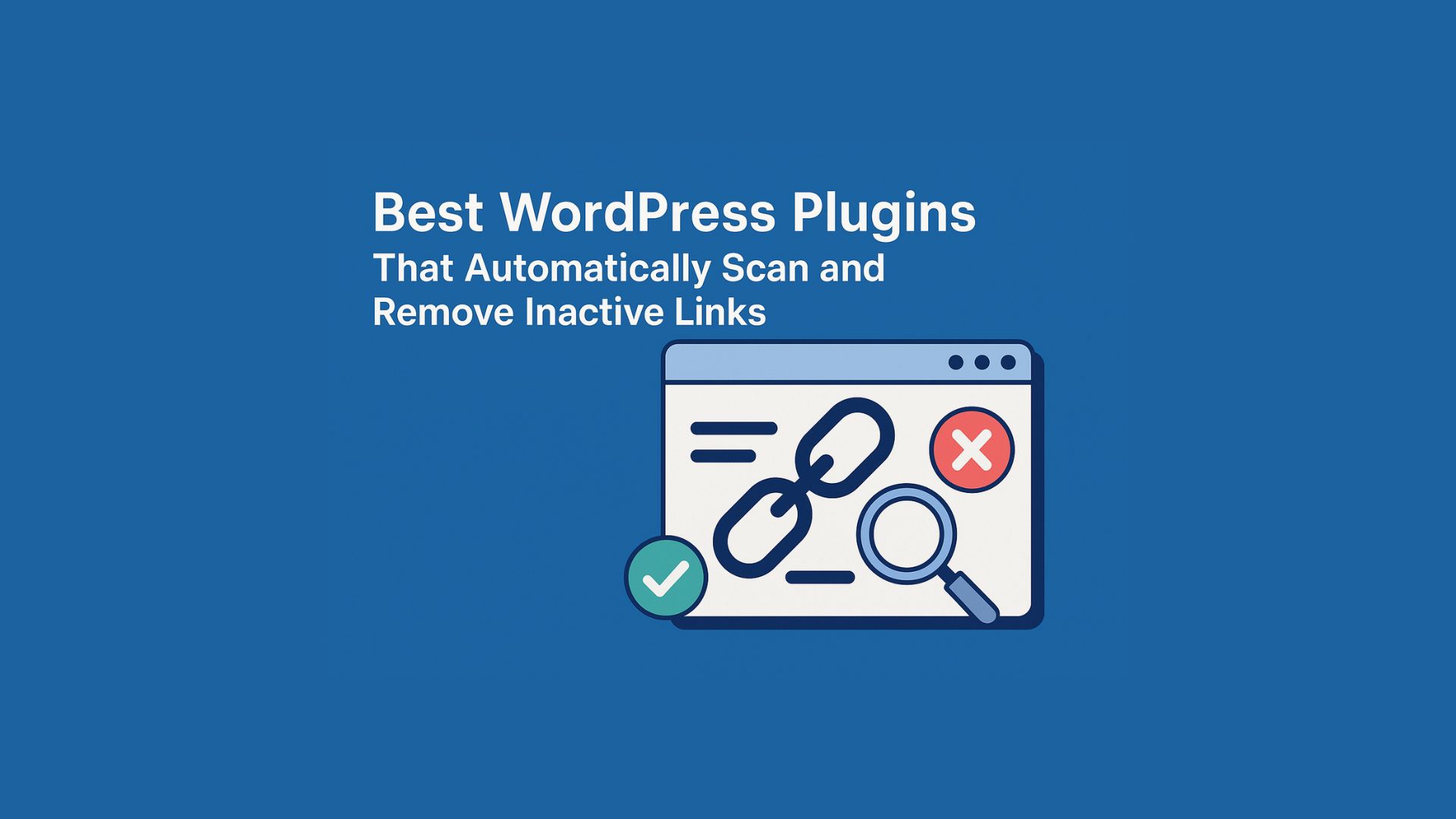

Keeping your WordPress website free of broken or inactive links is essential for SEO, user experience, monetization, and especially affiliate marketing. Whether you rely on Google AdSense, affiliate programs, or both, maintaining healthy link structure ensures your site stays credible, profitable, and compliant with platform standards.
This guide covers the top WordPress plugins for scanning broken links, why they matter for AdSense approval, and why affiliate marketers constantly face this issue as networks change.
Why Scanning and Removing Broken Links Is Crucial
Broken links are more than cosmetic issues — they actively harm your site’s credibility, revenue, and search visibility.
1. Important for Google AdSense Approval
Google AdSense evaluates website quality before allowing ads. Sites with broken links often get rejected for reasons such as:
- “Low-value content”
- “Difficult site navigation”
- “Site not ready for AdSense”
Dead links indicate:
- Poor site maintenance
- Outdated content
- Low trustworthiness
A clean linking structure increases your chances of successful AdSense approval and long-term revenue.
2. Essential for Affiliate Websites (Constant Problem for Affiliates)
Affiliate marketers suffer from broken links more than any other type of site owner.
Why? Because affiliate networks change constantly:
Common scenarios:
- An advertiser moves from in-house tracking → Impact
- A brand switches from Impact → Awin
- A merchant leaves CJ → goes private
- A product is discontinued
- A campaign is paused or tracking links expire
- Deep links break after site redesigns
- Affiliate networks change link formats or tracking parameters
What happens next?
You end up with hundreds or thousands of dead affiliate links across:
- Blog posts
- Product roundups
- Tutorials
- Reviews
- Comparison pages
This leads to:
❌ Lost commissions
❌ Broken user experience
❌ Lower trust
❌ Reduced SEO ranking
❌ Wasted content efforts
Affiliate marketers cannot manually check every link every week — automation is essential.
3. Better User Experience
Nothing damages credibility faster than a user clicking a product link that leads to:
- A 404 error
- A redirected page that doesn’t match the intent
- A “Program Not Found” or “Offer Expired” message
Smooth, functional links increase engagement and keep users on your site longer.
4. Stronger SEO Performance
Google evaluates overall site quality when ranking pages.
Broken links:
- Increase crawl errors
- Dilute link equity
- Signal outdated content
- Reduce trust signals
Fixing them improves your SEO foundation and strengthens your authority.
Top WordPress Plugins to Scan & Fix Broken Links
1. Broken Link Checker (Free)
🔗 https://wordpress.org/plugins/broken-link-checker/
The classic plugin for scanning both internal and external links.
Pros
- Free
- Continuous automated scanning
- Lets you unlink, edit, or replace without opening each page
Cons
- Does not auto-delete links without confirmation
- Can be resource-heavy
2. Broken Link Checker by AIOSEO (Cloud Version)
🔗 https://wordpress.com/plugins/broken-link-checker-seo
A cloud-based alternative that performs scans without slowing your site.
Pros
- Does not use your server resources
- Detects broken links, redirects, and soft 404s
- Easy one-click unlink/edit
Cons
- Still requires manual approval
3. Rank Math SEO – Link Analysis Module
Includes a link audit tool ideal for SEO-focused site owners.
Pros
- Integrated with SEO features
- Shows total links, external links, and broken links
Cons
- Not fully automatic in corrections
4. RANK AI (External Automated SEO Tool)
🔗 https://morningscore.io/how-can-i-automatically-fix-broken-links-on-my-wordpress-website/
Offers more automation than traditional plugins.
Pros
- Automated broken-link fixes
- Helpful for large affiliate sites
Cons
- Not built into WordPress
- Still may require review before deletion
Can Plugins Fully Delete Dead Links Automatically?
Short answer: No, not safely.
Full automation is avoided because a link may appear broken when:
- The merchant site is temporarily down
- The affiliate network is under maintenance
- The link redirects slowly
- The tracking domain changes
Manual confirmation prevents incorrect deletions and protects your content integrity.
Best Setup for Most WordPress Websites
For 99% of site owners — especially those with affiliate content — the ideal solution is:
✔ AIOSEO Broken Link Checker (Cloud version)
or
✔ Classic Broken Link Checker Plugin
Use them for:
- Automatic scanning
- Quick unlink/edit from dashboard
- Maintaining AdSense readiness
- Preventing affiliate revenue loss
- Preserving SEO
If you are running a large authority site with heavy affiliate activity, pairing these with RANK AI or a custom monitoring script provides even stronger automation.
Final Thoughts
Broken links hurt SEO, destroy user trust, and can cost affiliate marketers massive revenue — especially when merchants switch networks or tracking structures. Regular link scanning is no longer optional; it’s a vital part of modern website maintenance.
With the right WordPress tools, you can:
✔ Keep your site healthy
✔ Increase AdSense approval chances
✔ Avoid losing affiliate commissions
✔ Maintain strong SEO performance
✔ Deliver a professional user experience