
When it comes to publishing forms on a WordPress website, site owners and developers usually face a clear choice:
- Use a form plugin (such as WPForms or HubSpot), or
- Code the form from scratch using HTML, CSS, PHP, and possibly JavaScript.
Both approaches are valid—and the right decision depends on your goals, budget, technical comfort, and long-term plans. Let’s explore both options in detail, combining your perspective with some additional practical insights.
Option 1: Using WordPress Form Plugins
Form plugins exist for a reason: they dramatically reduce friction. Within minutes, you can publish a functional, responsive form without touching a line of code.
✅ Upsides of Using Plugins
1. Speed and Ease of Launch
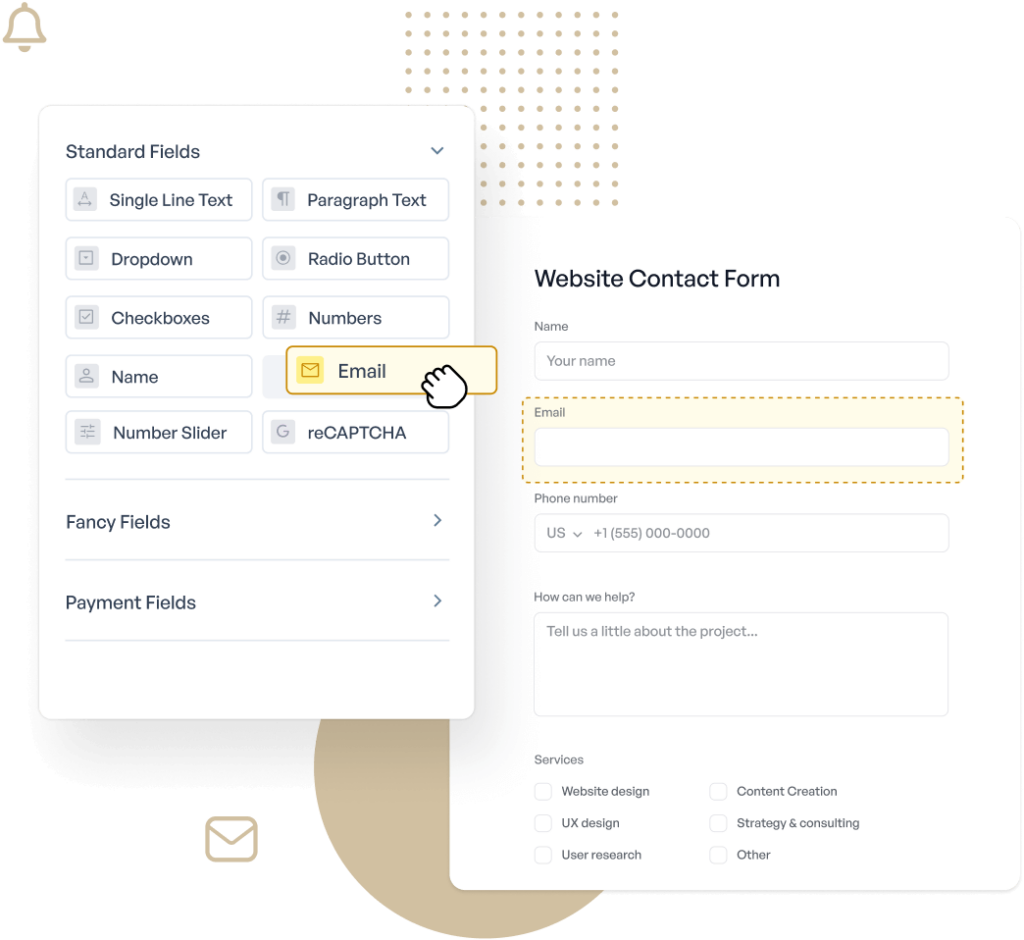
Drag-and-drop builders allow you to create contact forms, lead forms, surveys, and registrations very quickly. This is ideal for non-technical users or early-stage projects.
2. Prebuilt Templates
Most plugins ship with ready-made templates for common use cases—contact forms, newsletter signups, feedback forms, etc.
3. Responsiveness by Default
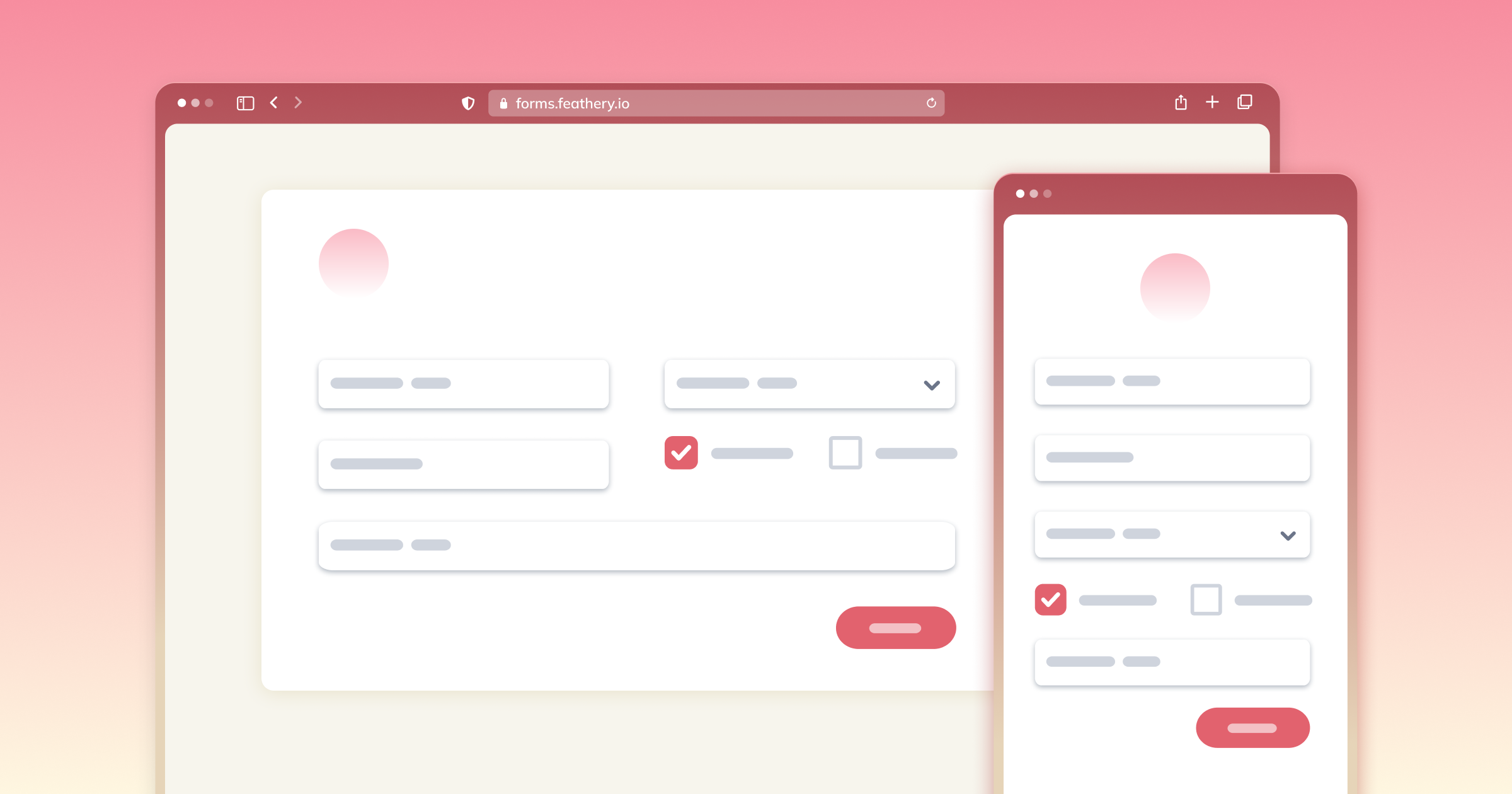
Modern plugins are mobile-friendly out of the box, saving you time on CSS and layout testing.
4. Integrations and Automation
Plugins often integrate seamlessly with email marketing tools, CRMs, Google Sheets, and analytics platforms—something that would take additional effort if coded manually.
5. Maintenance and Security
Popular plugins are actively maintained, patched, and tested across WordPress updates, reducing security risks for site owners.
❌ Downsides of Using Plugins
1. Branding and Attribution
Free tiers often add “Powered by …” branding or links that you cannot remove without upgrading.
2. Submission Limits and Paywalls
Many plugins impose monthly submission caps, storage limits, or feature restrictions—pushing you toward a subscription model.
3. Performance Overhead
Some plugins load extra scripts and styles site-wide, which can slightly impact performance, especially on lightweight or performance-focused sites.
4. Vendor Lock-In
Once deeply integrated, switching plugins (or moving away from them) can require rebuilding forms from scratch.
Option 2: Coding Forms In-House (From Scratch)
Despite the convenience of plugins, many developers and serious site owners still prefer to build forms manually.
✅ Upsides of Coding Your Own Forms
1. Full Control (No Restrictions)
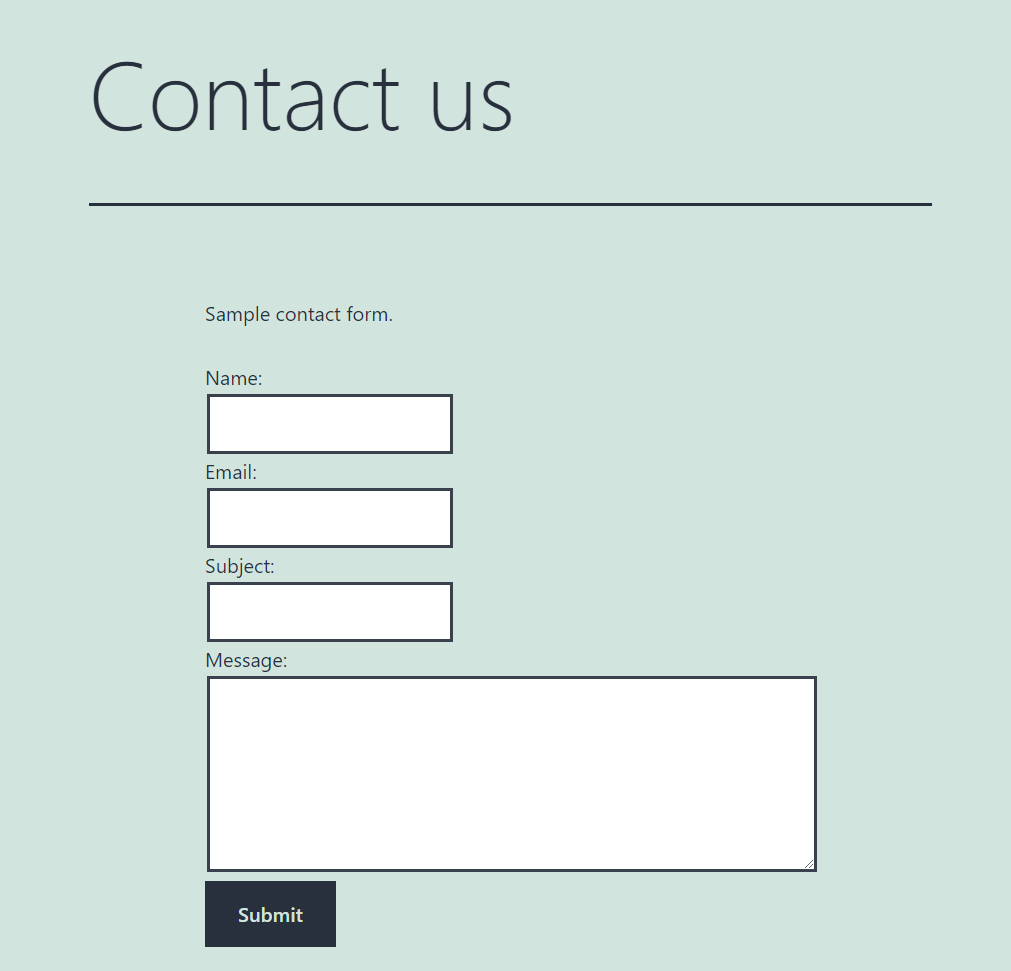
No branding, no submission caps, no forced upgrades. You decide how data is collected, stored, and processed.
2. Performance and Minimalism
A hand-coded form can be extremely lightweight—only the HTML, CSS, and JavaScript you actually need.
3. Custom UX and Design Freedom
You are not limited by a plugin’s UI patterns. Forms can perfectly match your theme and branding.
4. Ownership of Data and Logic
You control validation, sanitization, storage (database, email, API), and compliance workflows.
5. Long-Term Cost Efficiency
For sites with heavy traffic or high submission volume, avoiding recurring plugin fees can make a big difference over time.
❌ Downsides of Coding In-House
1. Slower Initial Development
Building even a “simple” form requires planning, coding, testing, and debugging.
2. Security Responsibility
You must handle spam prevention, CSRF protection, validation, and sanitization correctly—mistakes can be costly.
3. Maintenance Over Time
As WordPress, PHP versions, or themes change, custom code must be reviewed and updated manually.
4. Fewer Out-of-the-Box Integrations
Connecting your form to CRMs, email tools, or automation platforms requires additional coding or APIs.
A Practical Middle Ground (Often Overlooked)
Many experienced WordPress users take a hybrid approach:
- Use plugins for:
- Marketing forms
- Lead generation
- CRM-connected workflows
- Use custom-coded forms for:
- Internal tools
- Simple contact forms
- High-volume or performance-critical submissions
This approach balances speed with control and avoids overengineering simple requirements.
When Should You Choose What?
Choose a plugin if:
- You want results fast
- You prefer no-code or low-code tools
- You need integrations immediately
- You’re validating an MVP or early-stage site
Choose custom coding if:
- You want full ownership and flexibility
- You expect high submission volume
- Performance and customization matter
- You (or your team) are comfortable with web development
Final Thoughts
Your observation is spot on: plugins trade convenience for constraints, while in-house coding trades time for freedom.
In many WordPress projects—especially MVPs, affiliate sites, and content-driven blogs—plugins make perfect sense. But as a site matures, grows traffic, or demands tighter control, coding forms in-house becomes increasingly attractive.
In the end, it’s not about which method is “better,” but which aligns best with your project’s stage, skills, and long-term vision.
Discover more from wphprog.com
Subscribe to get the latest posts sent to your email.