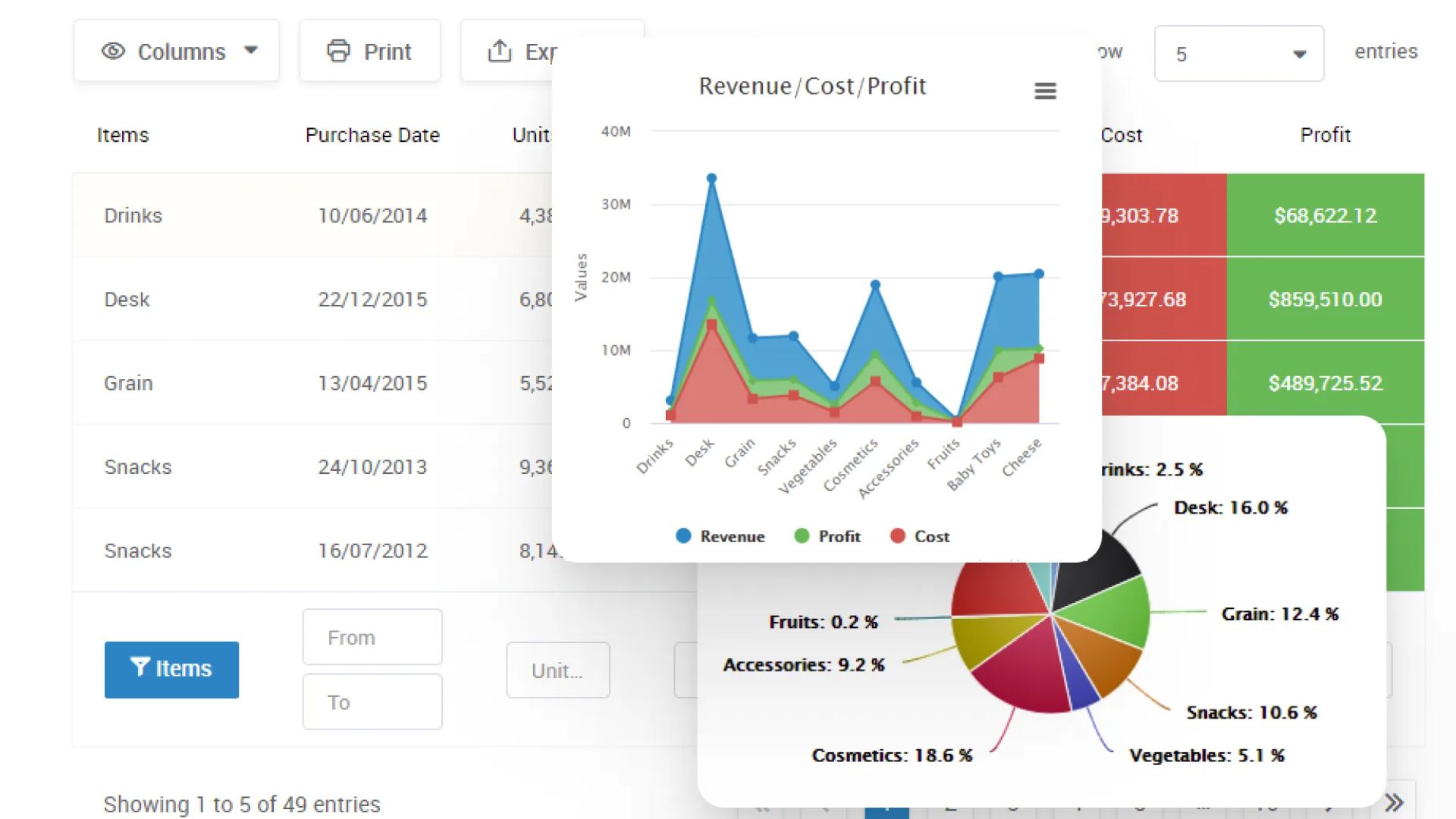



Tables are everywhere on the web—pricing pages, comparison charts, reports, analytics dashboards, and downloadable data views. If you run a WordPress site, chances are you’ve searched for a “best table plugin” and landed on WPDataTables.
But an important question often gets ignored:
Can most of this work be done using free tools or even core WordPress—especially with a little help from simple coding and ChatGPT?
This article answers that honestly.
What Is WPDataTables?
WPDataTables is a premium WordPress plugin designed to create interactive, responsive, and database-driven tables and charts without heavy manual coding.
It’s popular among:
- Data-heavy bloggers
- Business websites
- Research and analytics sites
- Admin dashboards
Official site:
👉 https://wpdatatables.com/
Key Features of WPDataTables
- Create tables from Excel, CSV, Google Sheets
- Connect tables directly to MySQL databases
- Frontend sorting, filtering, pagination
- Conditional formatting (colors, highlights)
- Chart generation (bar, pie, line)
- Frontend editing (Pro version)
- Responsive and mobile-friendly
WPDataTables Pricing (Quick Overview)
- Free Lite version – limited features
- Premium plans – start around $59/year (pricing may change)
👉 Pricing page: https://wpdatatables.com/pricing/
The Big Question: Is a Paid Plugin Always Necessary?
Short answer: No, not always.
Long answer: It depends on your use case.
Let’s break this down.
What Core WordPress Can Already Do (For Free)
WordPress itself has improved significantly.
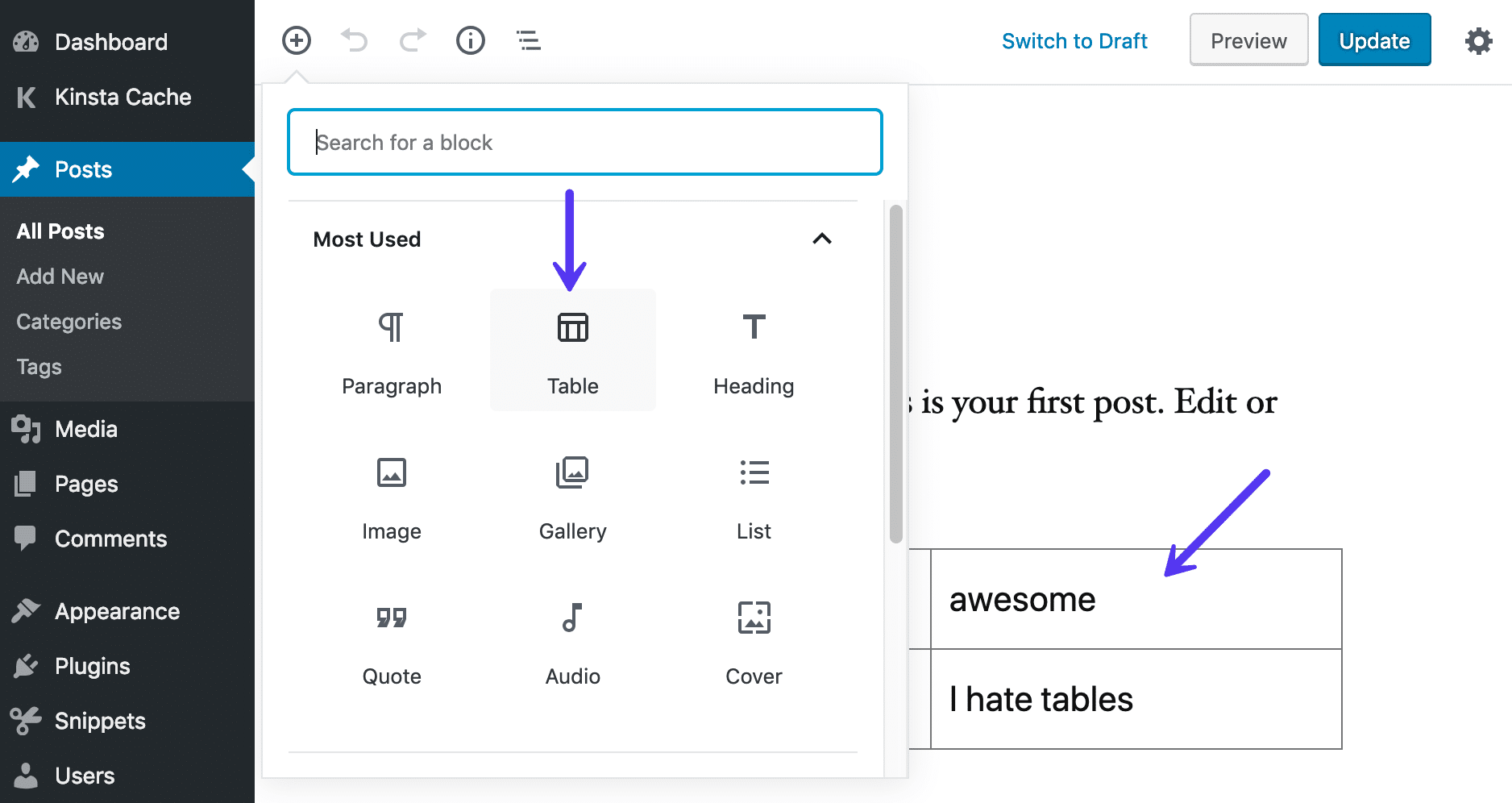
1. Gutenberg Table Block
You can already:
- Create tables visually
- Add rows/columns easily
- Style via themes or CSS
- Make them responsive with minor tweaks
Docs:
👉 https://wordpress.org/support/article/table-block/
✅ Best for:
- Simple comparison tables
- Feature lists
- Static data
2. Custom HTML + CSS Tables
Using:
- WordPress Custom HTML block
- A bit of CSS (often theme-level)
- Help from ChatGPT for structure and styling
Example resources:
- https://developer.mozilla.org/en-US/docs/Web/HTML/Element/table
- https://developer.wordpress.org/themes/customize-api/
✅ Best for:
- Full control over design
- Lightweight pages
- SEO-friendly tables
3. CSV + Free Plugins
Free plugins can already:
- Import CSV files
- Display them as tables
- Handle pagination
Examples:
- TablePress (Free): https://wordpress.org/plugins/tablepress/
- CSV Importer: https://wordpress.org/plugins/csv-importer/
✅ Best for:
- Blog-based data tables
- Educational sites
- Affiliate comparison charts
Using Simple Coding + ChatGPT: A Hidden Superpower
With ChatGPT, you can:
- Generate HTML tables
- Write custom CSS for responsiveness
- Create JavaScript sorting/filtering
- Build shortcodes for reusable tables
- Generate PHP snippets to fetch data from the database
Example scenario:
“Create a sortable HTML table with CSS styling and mobile responsiveness for WordPress.”
ChatGPT can output ready-to-paste code that works inside:
- A Custom HTML block
- A shortcode
- A child theme
This drastically reduces dependency on paid plugins for simple to medium complexity use cases.
When WPDataTables Actually Makes Sense
WPDataTables is worth paying for if you need:
- Live database-driven tables
- Frontend user editing
- Advanced filtering (multi-column, conditional)
- Large datasets (10,000+ rows)
- Excel-like dashboards inside WordPress
- Charts synced with tables
In short, enterprise-style data handling.
When WPDataTables Is Overkill
You probably don’t need it if:
- You only display static tables
- Your data rarely changes
- You’re comfortable copying code
- Performance and minimal plugins matter
- You’re running a blog, affiliate site, or content-heavy portal
For many bloggers and developers, core WordPress + free plugins + light coding is more than enough.
Performance & Plugin Bloat Consideration
Every heavy plugin:
- Adds scripts
- Increases load time
- Can conflict with themes
- Needs updates & licenses
A lean setup using:
- Gutenberg
- Custom HTML
- Minimal CSS
- A little AI-assisted coding
…often performs faster and cleaner.
Final Verdict
WPDataTables: ⭐⭐⭐⭐☆ (4/5)
Pros
- Powerful data handling
- Professional dashboards
- Saves time for complex use cases
Cons
- Paid for advanced features
- Overkill for simple needs
- Adds plugin dependency
My Honest Take
Most WordPress table needs can be handled using free tools and core WordPress—especially if you’re willing to use simple coding with ChatGPT.
WPDataTables shines in data-intensive, business-critical scenarios, not everyday blogging.
Useful Links (All in One Place)
- WPDataTables official site
https://wpdatatables.com/ - WPDataTables documentation
https://wpdatatables.com/documentation/ - Gutenberg Table Block
https://wordpress.org/support/article/table-block/ - TablePress (Free alternative)
https://wordpress.org/plugins/tablepress/ - WordPress Developer Resources
https://developer.wordpress.org/
Discover more from wphprog.com
Subscribe to get the latest posts sent to your email.