Do You Really Need SQL to Use, Manage, or Develop WordPress?
Introduction
WordPress is often described as a no-code or low-code platform, which naturally leads to a common question:
If WordPress works without coding, what role does SQL play behind the scenes? And do WordPress users, admins, or developers actually need to learn SQL?
This blog post answers those questions clearly, separating myth from reality, and explaining SQL’s importance based on your role in the WordPress ecosystem.
1. The Core Relationship Between WordPress and SQL
WordPress is built using PHP, and it stores nearly all its data in a database. That database is usually MySQL or MariaDB, both of which are controlled using SQL (Structured Query Language).
Every time you:
publish a post
update a page
install a plugin
change a setting
WordPress silently runs SQL queries in the background.
Important: You don’t see SQL, you don’t write SQL—but WordPress depends on it.
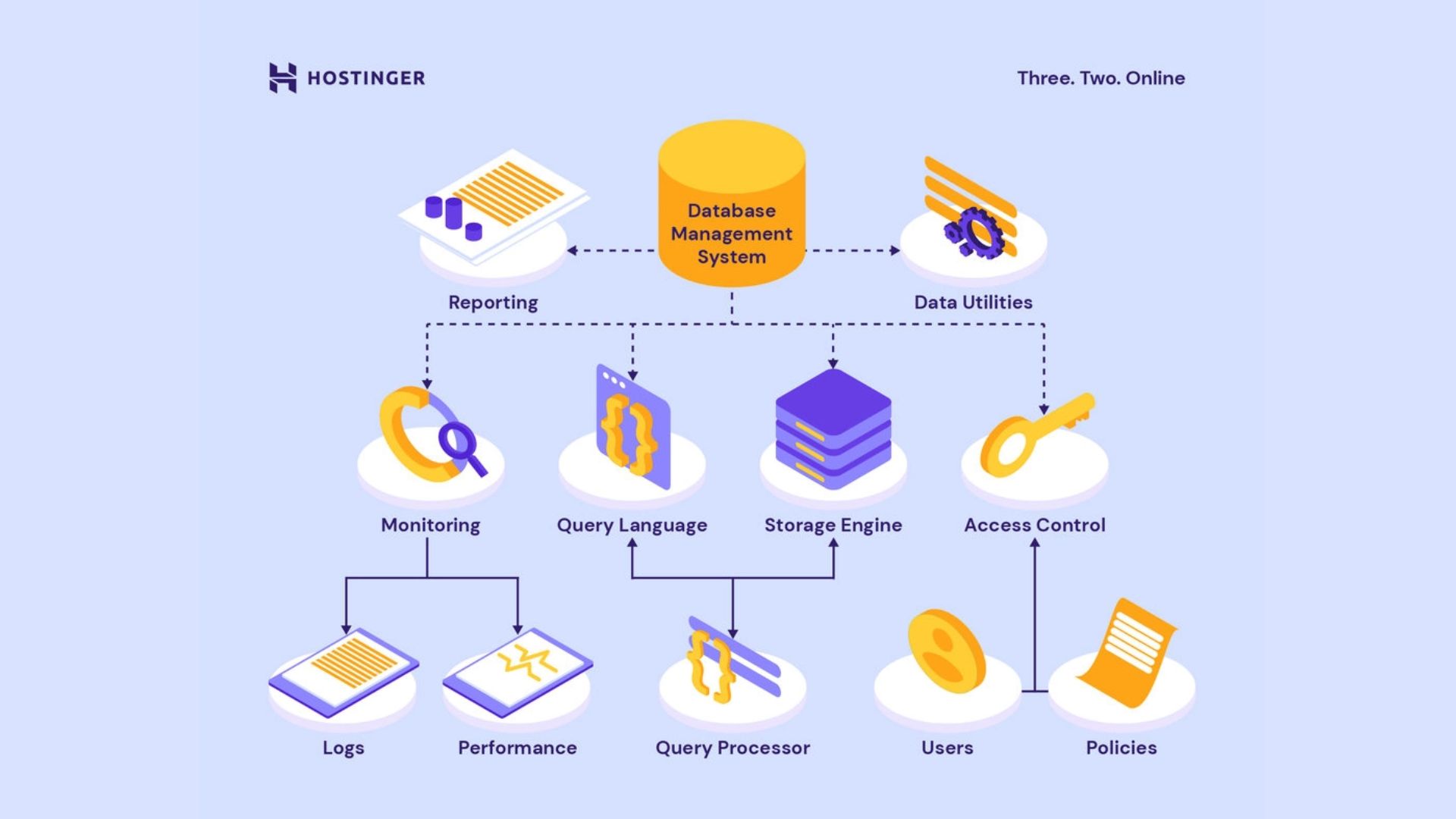
2. Understanding the WordPress Database (Without Technical Jargon)
Think of WordPress as a system of layers:
Layer
Purpose
WordPress Dashboard
Where you click, type, and manage content
PHP (WordPress Core)
Converts your actions into instructions
SQL
Fetches and stores data
Database (MySQL/MariaDB)
Permanently saves posts, users, settings
For example:
You click Publish
WordPress runs an SQL command
Your post is stored in the wp_posts table
The process is automatic and invisible.
3. Do You Need SQL as a WordPress User?
Short answer: No
If you are:
a blogger
a writer
a freelancer
a small business owner
You can use WordPress for years without ever knowing SQL exists.
WordPress was designed so that non-technical users never touch databases.
4. Do You Need SQL as a WordPress Admin?
Short answer: Not mandatory, but useful
A WordPress admin handles:
site settings
plugins and themes
backups and migrations
user management
Most admin tasks can be done using:
plugins
hosting dashboards
graphical tools like phpMyAdmin
However, basic SQL knowledge becomes helpful when:
fixing a broken site
cleaning spam or corrupted data
restoring data manually
optimizing performance
You don’t need to master SQL, but understanding what’s happening adds confidence and control.
5. Do You Need SQL as a WordPress Developer?
This is where SQL starts to matter more.
Is SQL mandatory for WordPress development?
Not directly.
WordPress provides built-in tools that generate SQL automatically, such as:
WordPress query functions
database helper classes
abstraction layers
Developers usually interact with functions, not raw SQL.
WordPress lets developers avoid writing SQL, but not understanding SQL eventually becomes a limitation.
6. When SQL Becomes Important in WordPress Projects
SQL knowledge becomes valuable when working on:
custom plugins
WooCommerce stores
membership sites
LMS platforms
high-traffic blogs
analytics dashboards
In these cases:
inefficient queries slow down the site
missing indexes increase server costs
poor database design causes crashes
At scale, SQL understanding directly affects reliability and performance.
7. SQL Requirements by WordPress Role
Role
SQL Needed?
Reason
Blogger / Content creator
❌ No
Dashboard handles everything
Business owner
❌ No
Focus on content and growth
WordPress admin
⚠️ Optional
Useful for troubleshooting
Theme developer
⚠️ Basic
Understand data flow
Plugin developer
✅ Recommended
Custom logic & performance
Enterprise WordPress dev
✅ Essential
Scalability & optimization
8. Why WordPress Hides SQL on Purpose
WordPress follows a philosophy of simplicity and accessibility:
beginners shouldn’t fear databases
common tasks should not require coding
advanced tools should exist when needed
That’s why WordPress:
uses SQL internally
abstracts it away with PHP functions
exposes it only to those who need it
This design is a major reason WordPress powers over 40% of the web.
9. Final Verdict
Do you need SQL to use WordPress? No.
Do you need SQL to manage WordPress professionally? Not required, but beneficial.
Do you need SQL to build serious WordPress solutions? Yes — at least at a conceptual level.
WordPress allows you to start without SQL, but it rewards you as soon as you learn it.
Below is an expanded, publish-ready section you can directly append to your blog post. It smoothly connects CS50 SQL, a learning roadmap, and practical WordPress-specific SQL tutorials.
Learning SQL for WordPress: CS50 Foundation + Practical WordPress Guides
CS50 teaches SQL not as a standalone skill, but as a way to reason about data, performance, and system behavior—which is exactly how SQL operates inside WordPress. WordPress users rarely write raw SQL, but every post, page, user, and plugin setting relies on SQL queries running behind the scenes. By combining CS50’s conceptual clarity with WordPress-specific tutorials, learners can move from surface-level usage to genuine technical understanding without overwhelm.
A WordPress-Focused SQL Learning Roadmap
Stage 1: SQL Awareness (WordPress Users & Admins)
Goal: Understand what SQL does inside WordPress
What a database is
Tables, rows, and columns
How WordPress stores posts and users
Reading simple queries without writing them
This level is enough for:
site maintenance
basic troubleshooting
communicating clearly with developers
Stage 2: SQL Fundamentals (CS50 SQL Level)
Goal: Think clearly about data
SELECT, WHERE, ORDER BY, LIMIT
Conceptual understanding of INSERT, UPDATE, DELETE
Primary keys and relationships
Indexes and performance
Basic joins
At this stage, you begin to understand why WordPress behaves the way it does under load.